
HandWrite Pro
Notes & PDFs by hand – razor-sharp at any zoom
Handwritten notes, PDFs and sketches with stylus or finger. No forced subscription, no account, no tracking. Over 1 million downloads, built in Hamburg, Germany, by an independent developer.
Writing & PDF
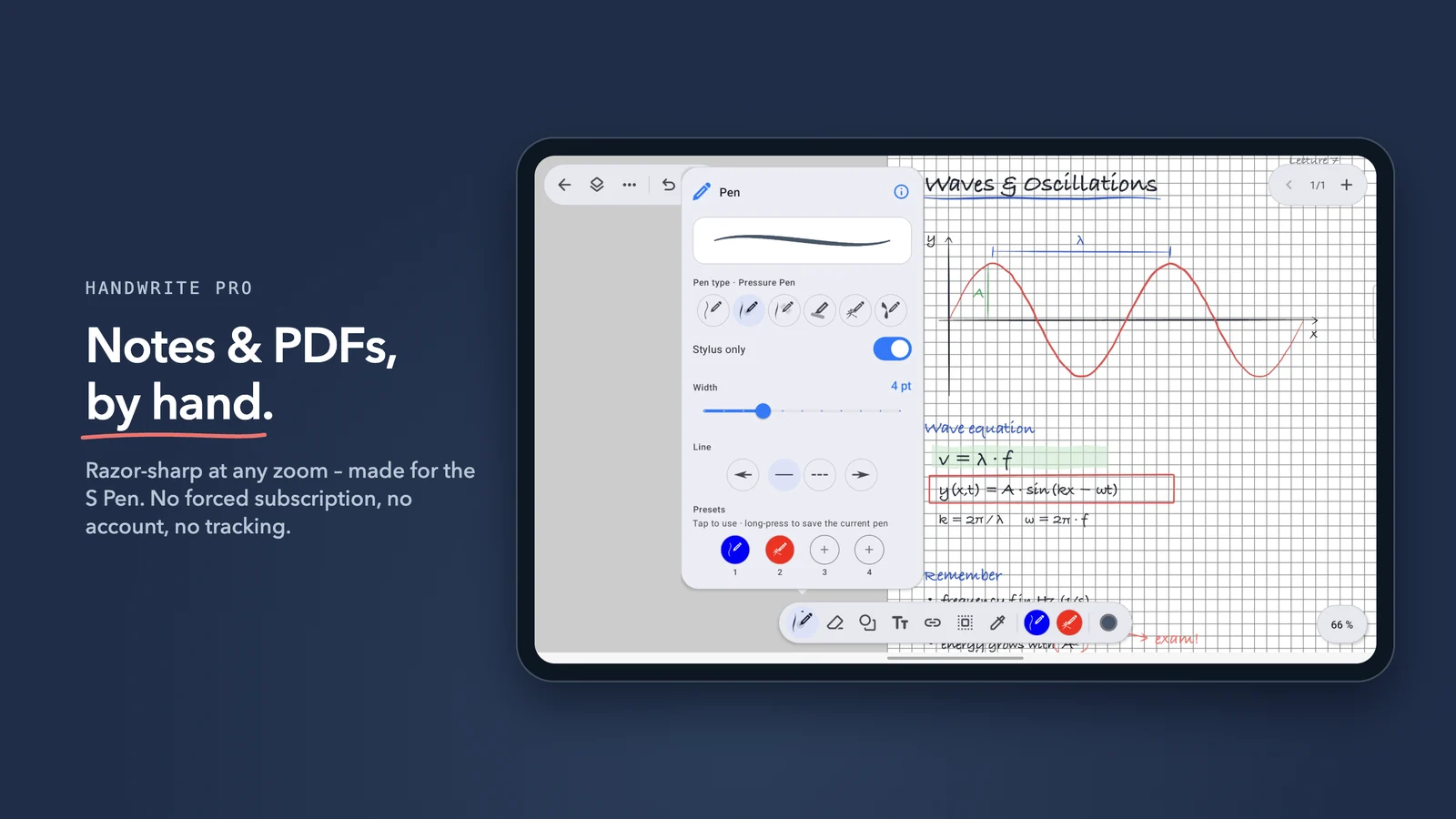
Write with pressure sensitivity using the S Pen or any other active stylus – or with your finger: the Speed Pen shapes each line from your writing speed. With “Stylus only” your palm won't draw by accident.
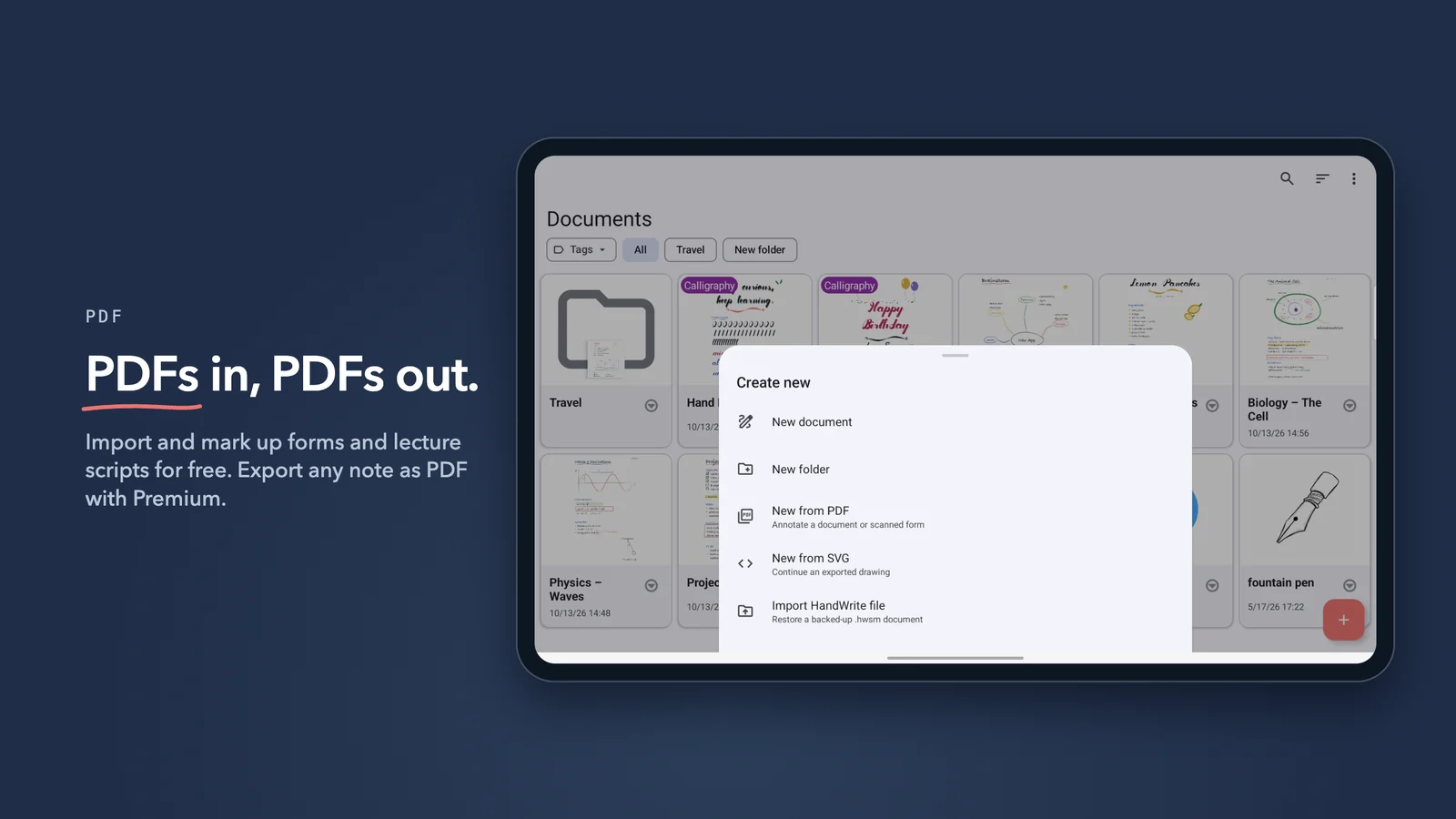
Import PDFs and annotate lecture scripts, forms and contracts right inside the document. Pick your paper: endless canvas, lined, dotted, grid or a custom size.
Sketches & diagrams – new in version 10
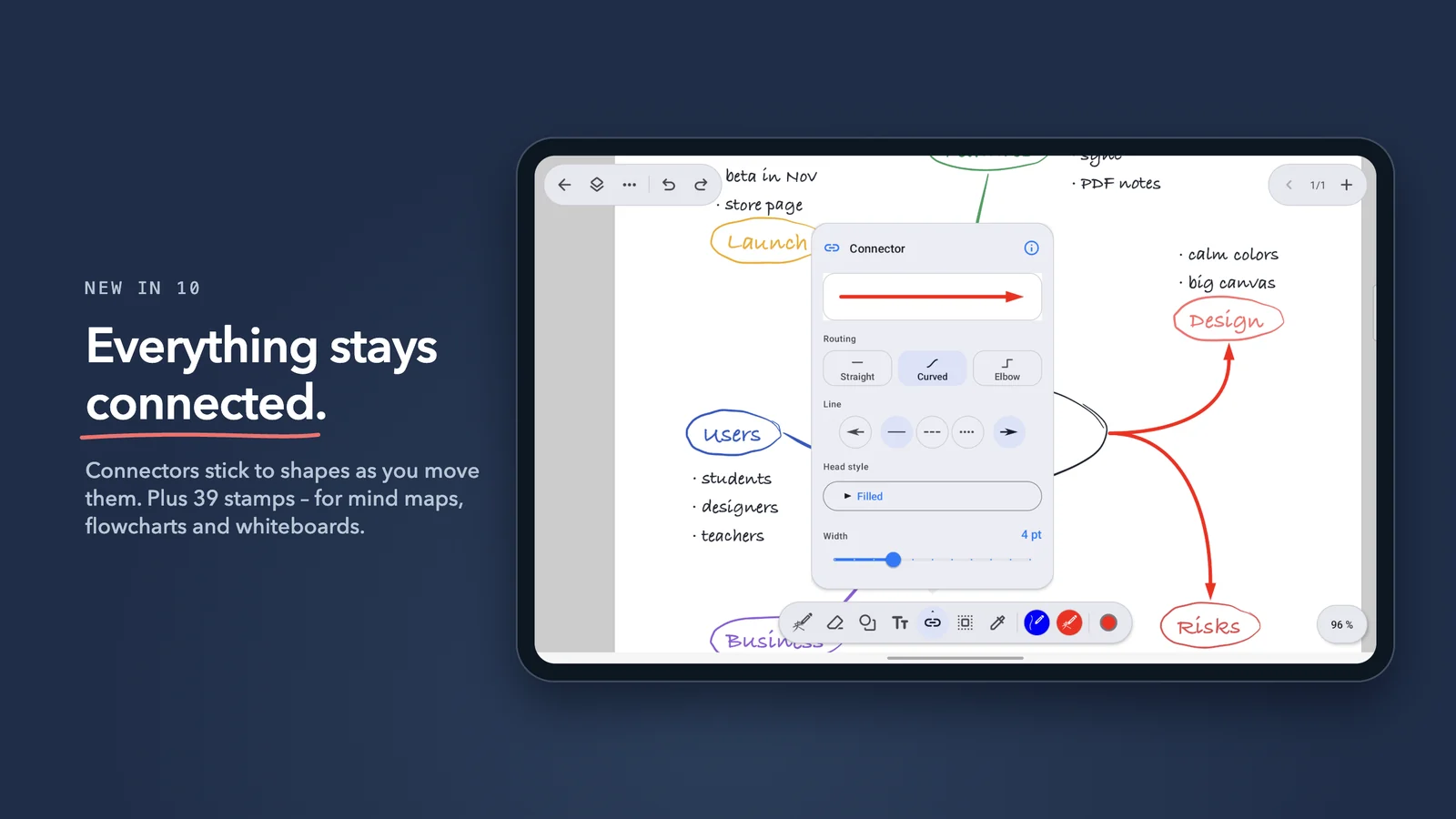
Draw shapes and link them with connectors that stay attached when you move things around – straight, curved or elbow.
39 stamps, alignment guides and a snap grid turn a quick sketch into a clean diagram, flowchart or mind map.
Vector engine: always sharp, always editable
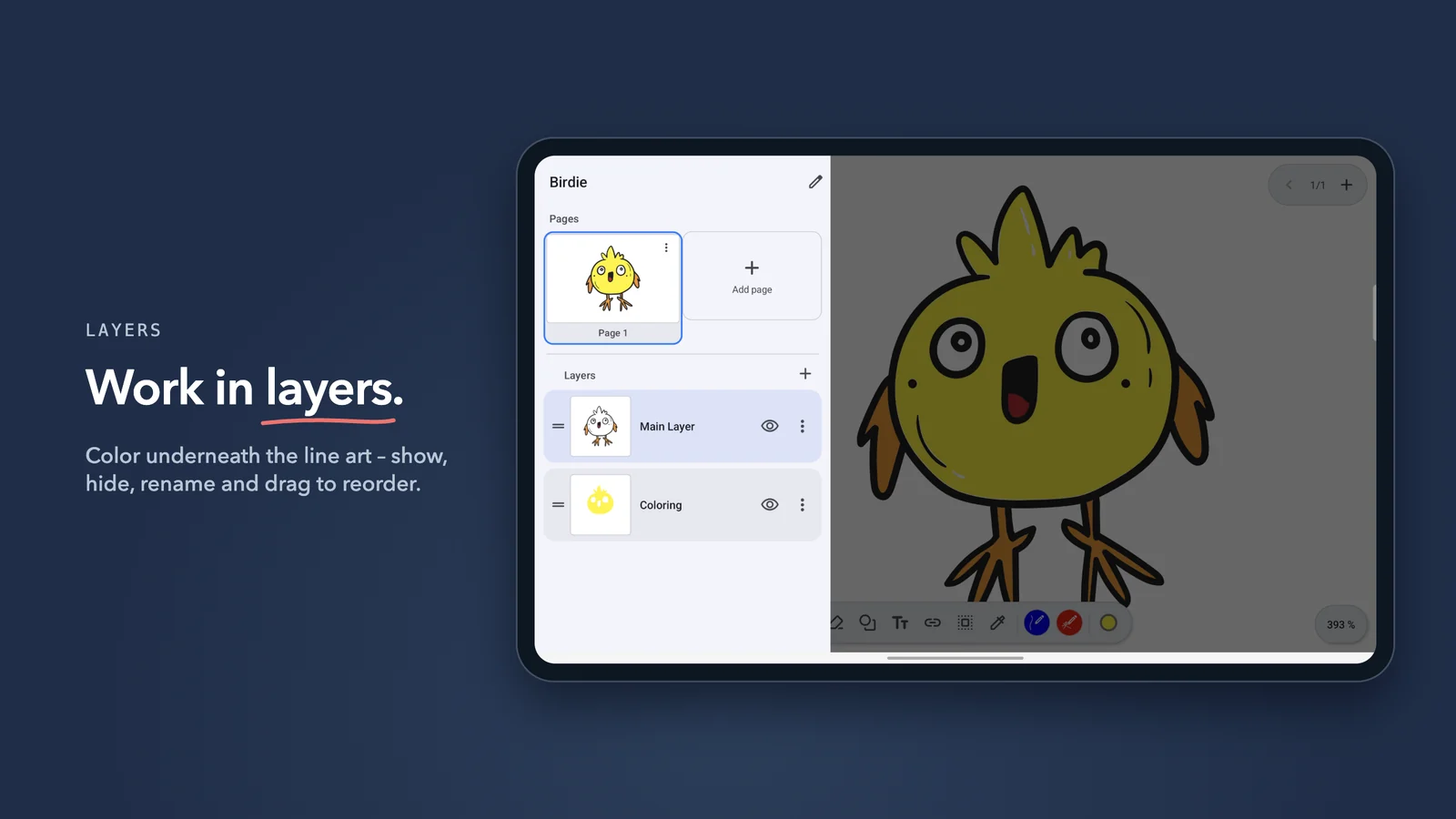
HandWrite Pro stores every stroke as a vector: zoom as far as you like and every line stays sharp. Use the lasso to select freely, rotate selections and move single points.
Work in layers like in design software and export your drawings as SVG for Inkscape, Illustrator or Figma (Premium).
Free features:
- Pressure-sensitive writing with the S Pen and other active styluses
- Speed Pen: variable line width with your finger or a passive stylus
- Vector engine with lossless zoom and point-level editing
- Import and annotate PDFs
- Shapes, connectors and 39 stamps
- Lasso selection, alignment guides and snap to grid
- Layers like in professional design software
- Presentation mode
- Folders, tags and search across all notes by name, tag, folder and text
- Endless canvas or paper: lined, dotted, grid, custom sizes
- Image import, export as PNG and JPG
- Dark mode
- Handwriting to text: 10 recognitions to try it out
Fair Pricing
Most features are free forever. The subscription and the lifetime license unlock the same premium features:
- Unlimited handwriting to text – on-device AI
- Calligraphy and fill pens (try the calligraphy pen free for 50 strokes)
- Filled shapes
- PDF export
- SVG export for Inkscape, Illustrator or Figma
- Cloud sync with Google Drive or your own Nextcloud server
Subscription
- Try all premium features at a lower monthly cost
- Great for testing before committing
Lifetime License
- The best value — pay once, own everything forever
- No more fees, ever
Perfect for lectures, classes and meetings!
Contact us: info@hand-write.com